TabletPen
Turn your Android tablet into a wireless Bluetooth drawing tablet
Getting Started
Set up TabletPen in under 2 minutes. No software to install on your computer.
What You Need
- An Android tablet with a stylus (Samsung Galaxy Tab, Boox, Lenovo, etc.)
- A computer with Bluetooth (Mac, Windows PC, or Chromebook)
- TabletPen installed from Google Play
Step 1: Open the App
Launch TabletPen. On first launch, you’ll see a welcome screen.
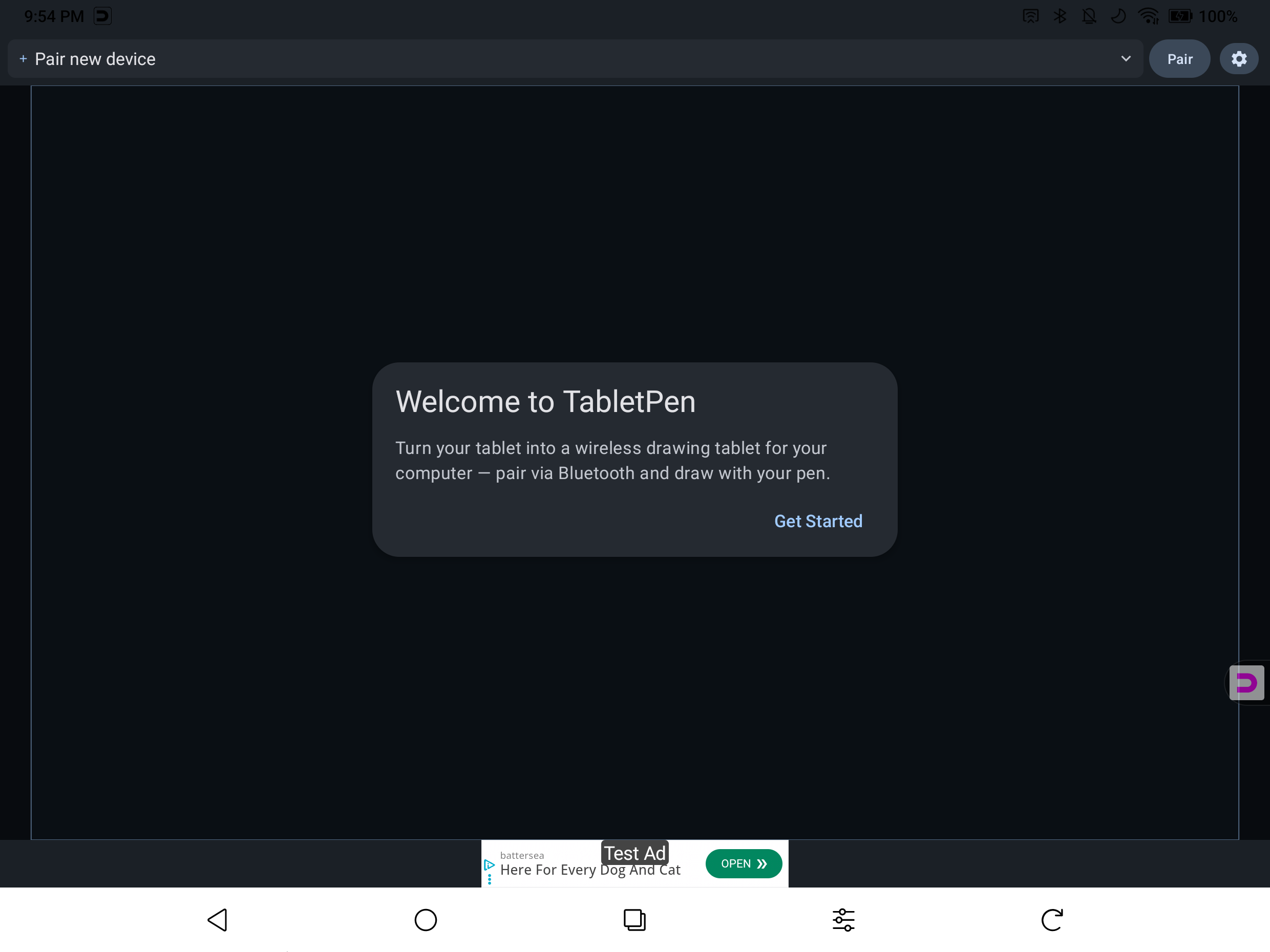
Tap Get Started to follow the interactive tutorial, or tap outside to set up on your own.
Step 2: Tap Pair
Tap the Pair button in the top-right corner. This makes your tablet discoverable to nearby computers.
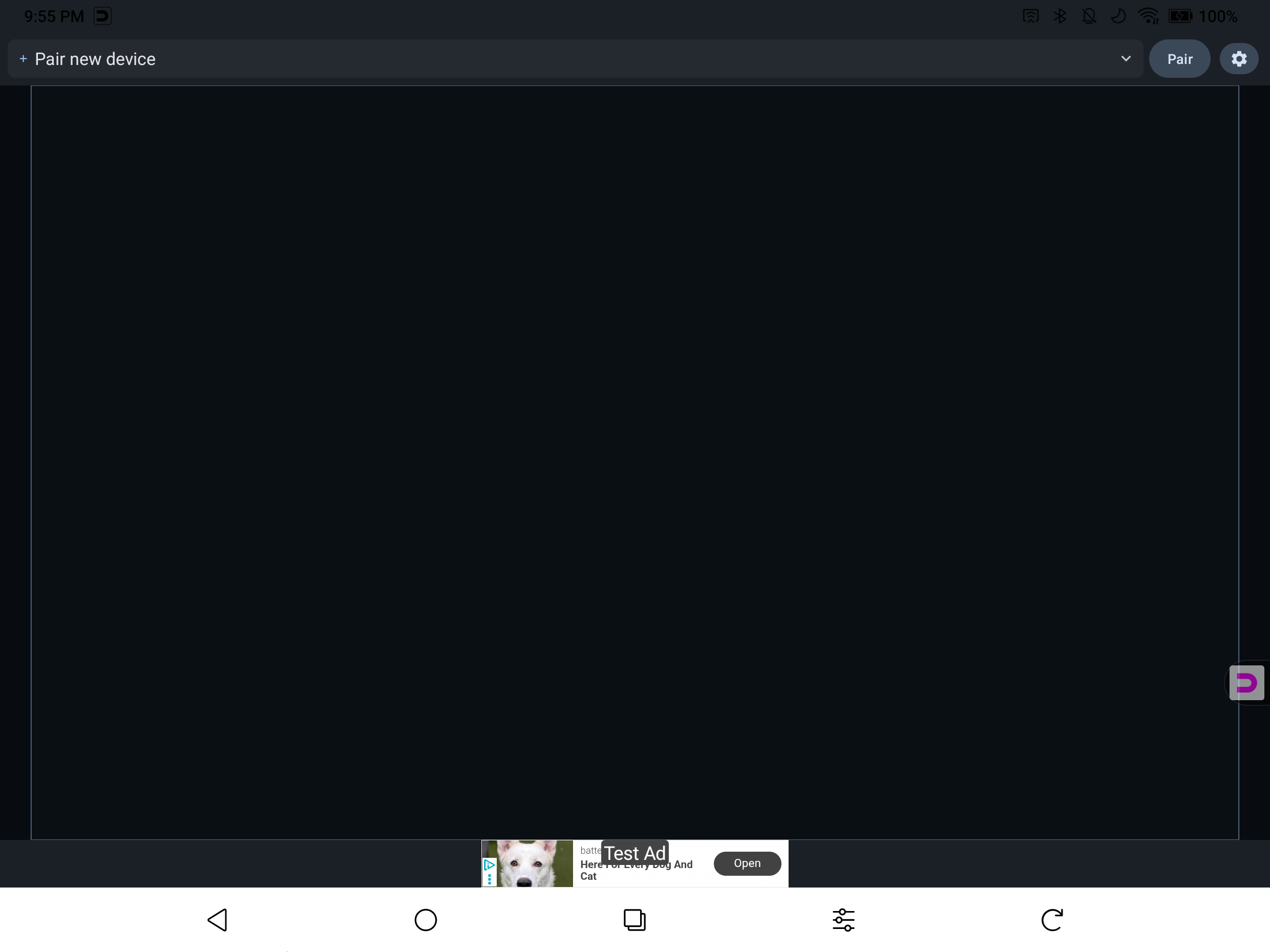
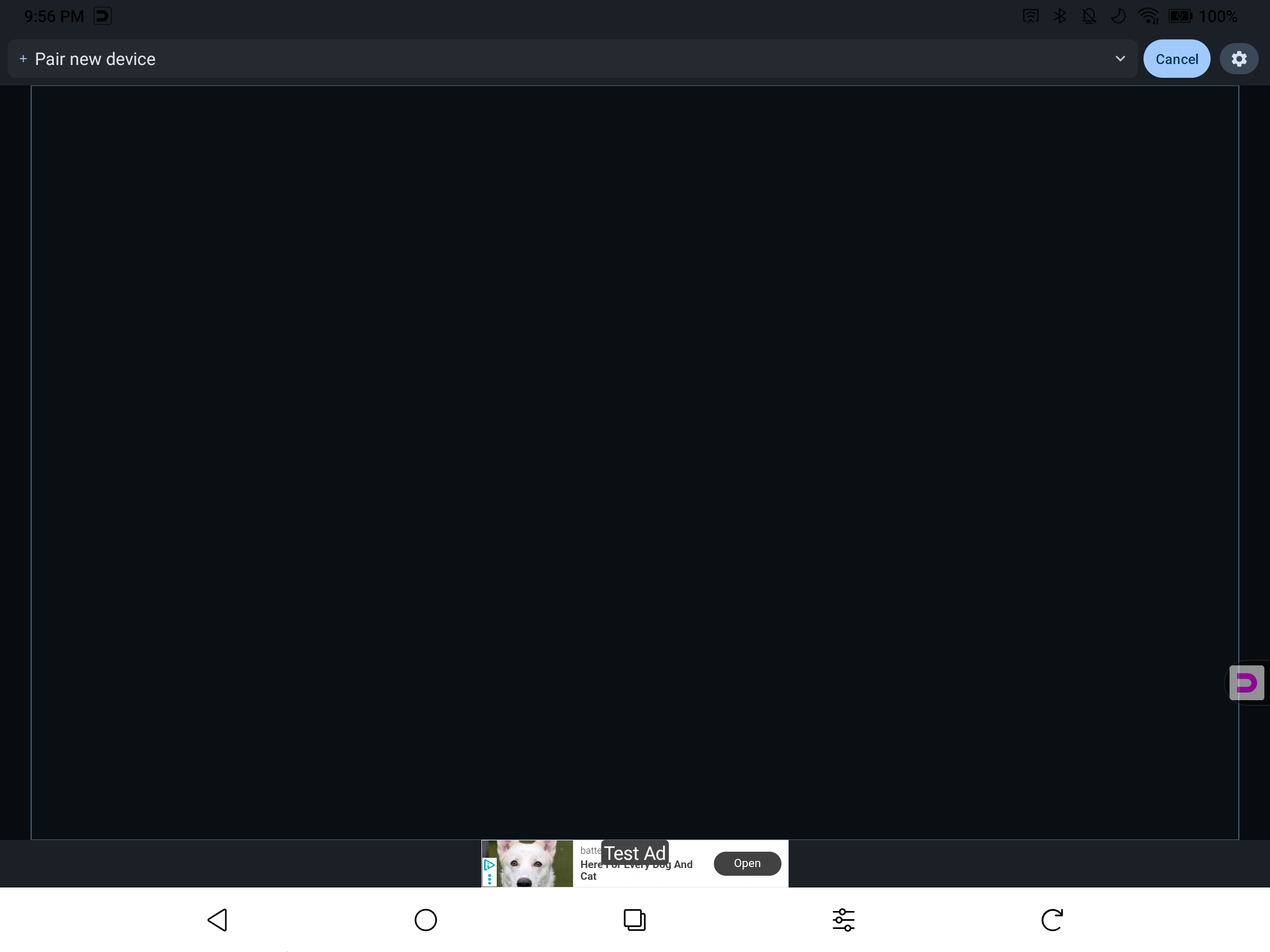
The button changes to Cancel while pairing is active. The “+” indicator in the device selector will pulse to show the tablet is waiting for a connection.
Step 3: Connect from Your Computer
On your computer, open Bluetooth settings:
- Mac: System Settings > Bluetooth
- Windows: Settings > Bluetooth & devices
- Chromebook: Settings > Bluetooth
Find your tablet in the list (it will show its device name, e.g., “Galaxy Tab S9”) and click Connect or Pair.
Step 4: Start Drawing
Once connected, the indicator dot turns solid and the button shows Disconnect. Your pen now controls your computer.
- Pen: Moves the cursor and draws in any app (Photoshop, Krita, OneNote, etc.)
- Fingers: Work as a trackpad — one finger moves the cursor, two fingers scroll
- Pressure & tilt: Supported in apps that use them
Next Steps
- User Guide — Learn about all the gestures, modes, and settings
- Troubleshooting — If pairing doesn’t work on the first try
Important Notes
- Your computer initiates the connection, not the tablet. Always connect from your computer’s Bluetooth settings.
- If you’ve previously paired your tablet with this computer for other purposes (file transfer, etc.), remove the old pairing first from your computer’s Bluetooth settings, then pair fresh with TabletPen.
- TabletPen works as a standard Bluetooth HID device — no drivers or host software needed on your computer.